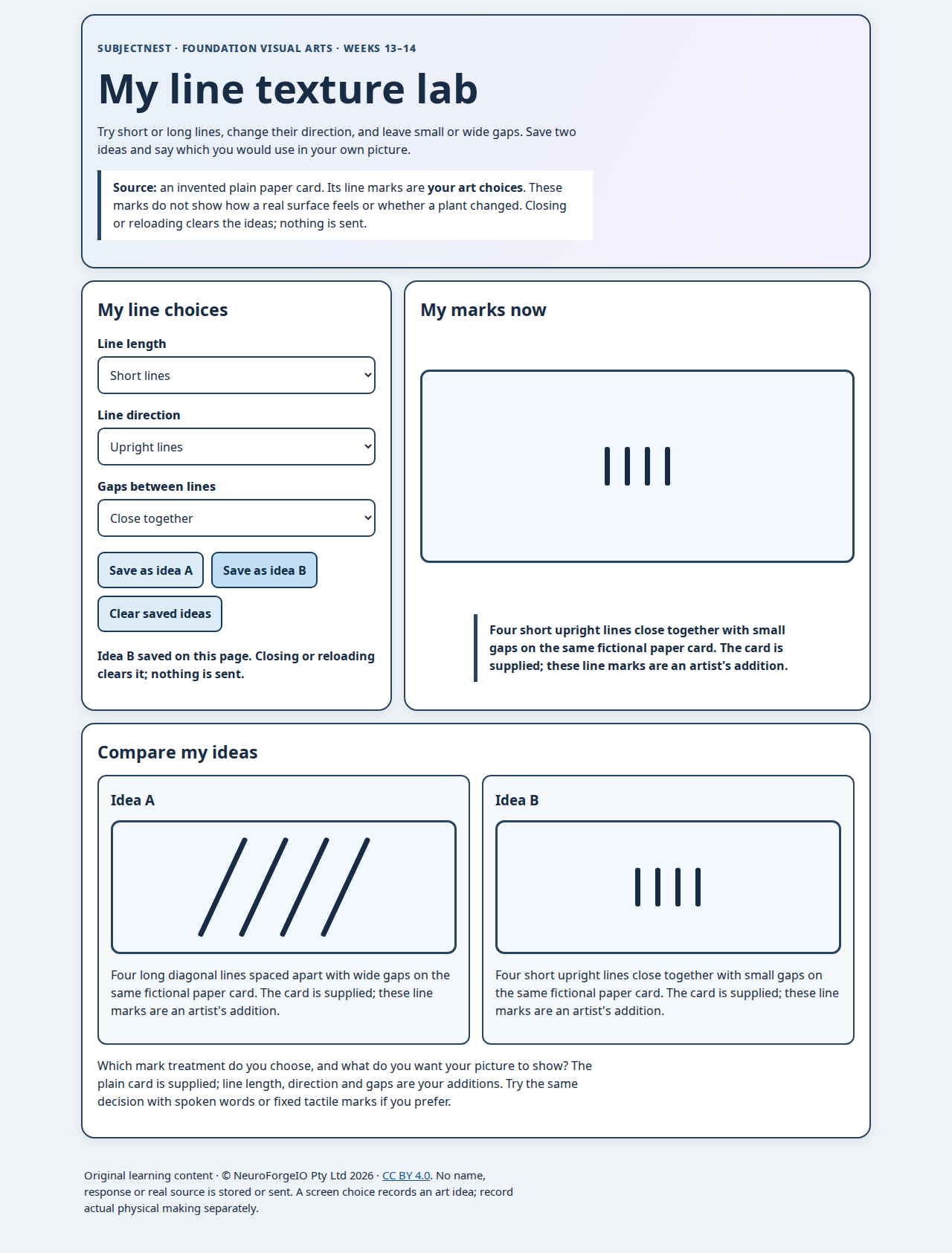
Open the line lab locally. The fictional source is one plain paper card. Choose short/long lines, upright/diagonal direction and close/spaced gaps; save two ideas on screen, compare them, and give an art reason. The four supplied marks are not a counting test. No held lantern/leaf source or answer is embedded.
Native labelled selectors and buttons work by keyboard: Tab moves between controls, arrow keys change a selected option, Enter/Space activates buttons. The current and saved choices have complete text descriptions independent of colour; the current text and save/clear status announce changes politely. A child can direct an adult, speak, sign or use AAC. Read back the exact child's choice. The paper/linear/tactile route keeps the same goal without a screen. Digital idea selection does not itself establish a physically made work, real material feel or a real plant observation.
No accounts, tracking, names, uploads, browser storage or network calls. All choices live in the open page and clear on reload/close. Keep the whole digital folder together; opening the HTML file loads only its sibling code/style files. The external licence link is optional and only opens if followed.
Author inspection and reproducible checks
The read-only browser check uses local Playwright/Chromium. It exercised all eight line combinations at 1280, 390 and 320 pixels, four displayed marks, keyboard focus and arrow choice, A/B visual/text save, clear, reload reset, horizontal overflow, mark clipping, page errors and outside requests. All passed on 30 September 2026. Desktop and mobile captures were visually inspected: the saved distinct ideas remain visible and text/buttons wrap without overlap. This is author browser inspection, not child or assistive-technology testing.

From the project root, with Playwright and its Chromium browser installed and available to Node:
node products/curriculum-studio/content/foundation/visual-arts/term-2/weeks-13-14/digital/qa_browser.cjs
Use your installation’s supported environment settings if its libraries or browsers live elsewhere.
Add --capture only to intentionally refresh the two preview files. BrowserAct CLI was available, but its runtime reported no configured browser. The installed local Playwright/Chromium route completed the inspection. The initial runtime cache location was missing; using the existing browser cache resolved it without installation.
Original learning text and art representation © NeuroForgeIO Pty Ltd 2026, CC BY 4.0. Browser code is Apache-2.0.