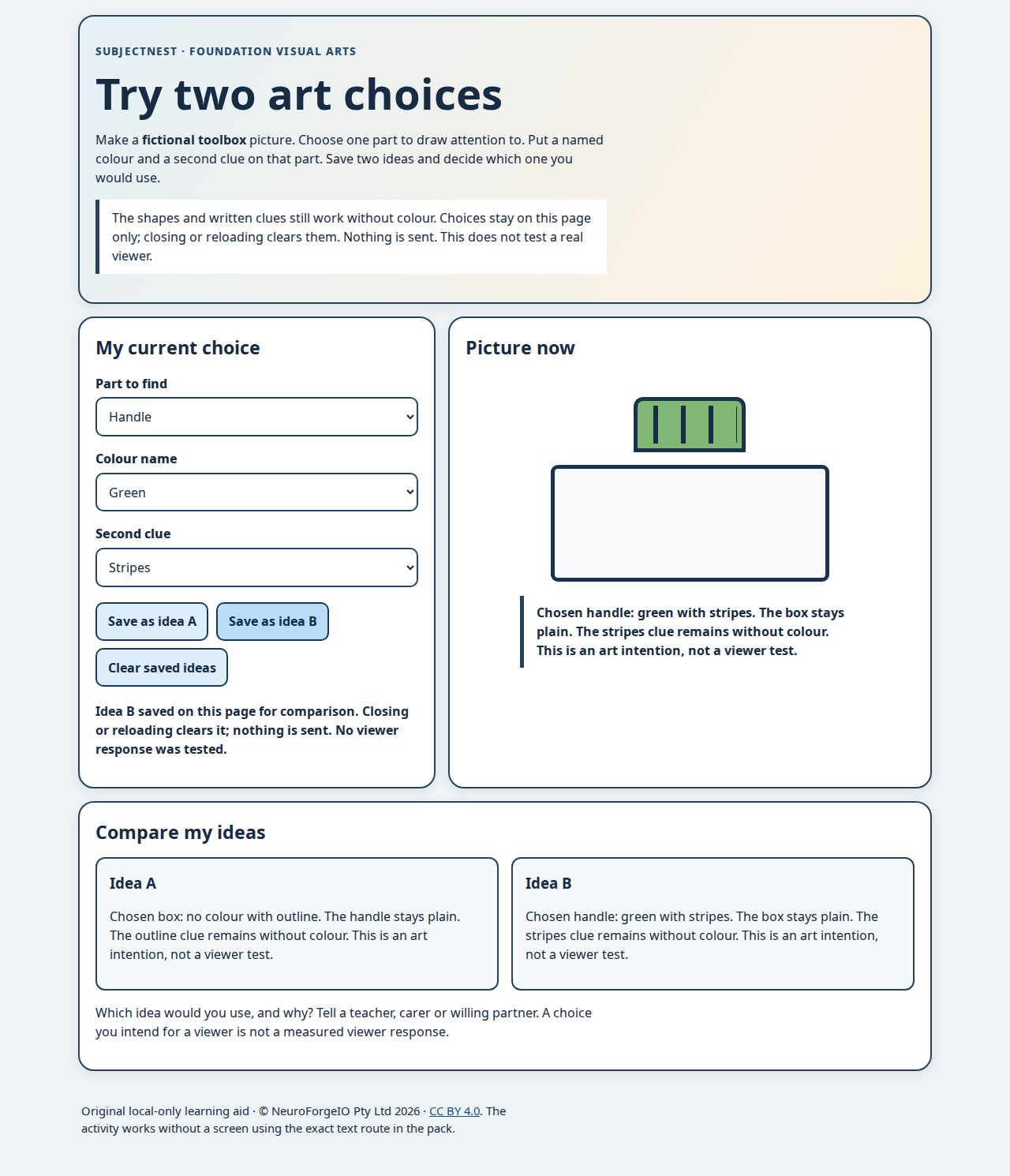
Open the local activity as a file or through a locally approved web server. It needs only the three bundled files, no account, network call, storage or camera. Select a part of an invented toolbox, a colour name or “no colour”, and a second cue. Save two options in memory on this page only and compare their text. Refreshing clears them. This is a way to practise Day 42 or Day 47, not a held-check rehearsal: Check Q's cart and Check R's clock do not appear. It does not test an actual viewer, child learning outcome or vision accessibility.
An adult can operate the selects at a child's direction. Native controls work by keyboard. The picture is decorative; the exact choice is updated as text below it and in the two comparison cards. The printed/text route and no-material learner cards teach the same decision without a device. No screen-time claim is made. The on-page external licence link opens only if a person chooses it; no automatic request is made by this activity.
Author-reviewed desktop and narrow-screen screenshots: desktop, mobile. These are layout records, not child/audience validation. Keep any named learner response off this public page and under school policy.