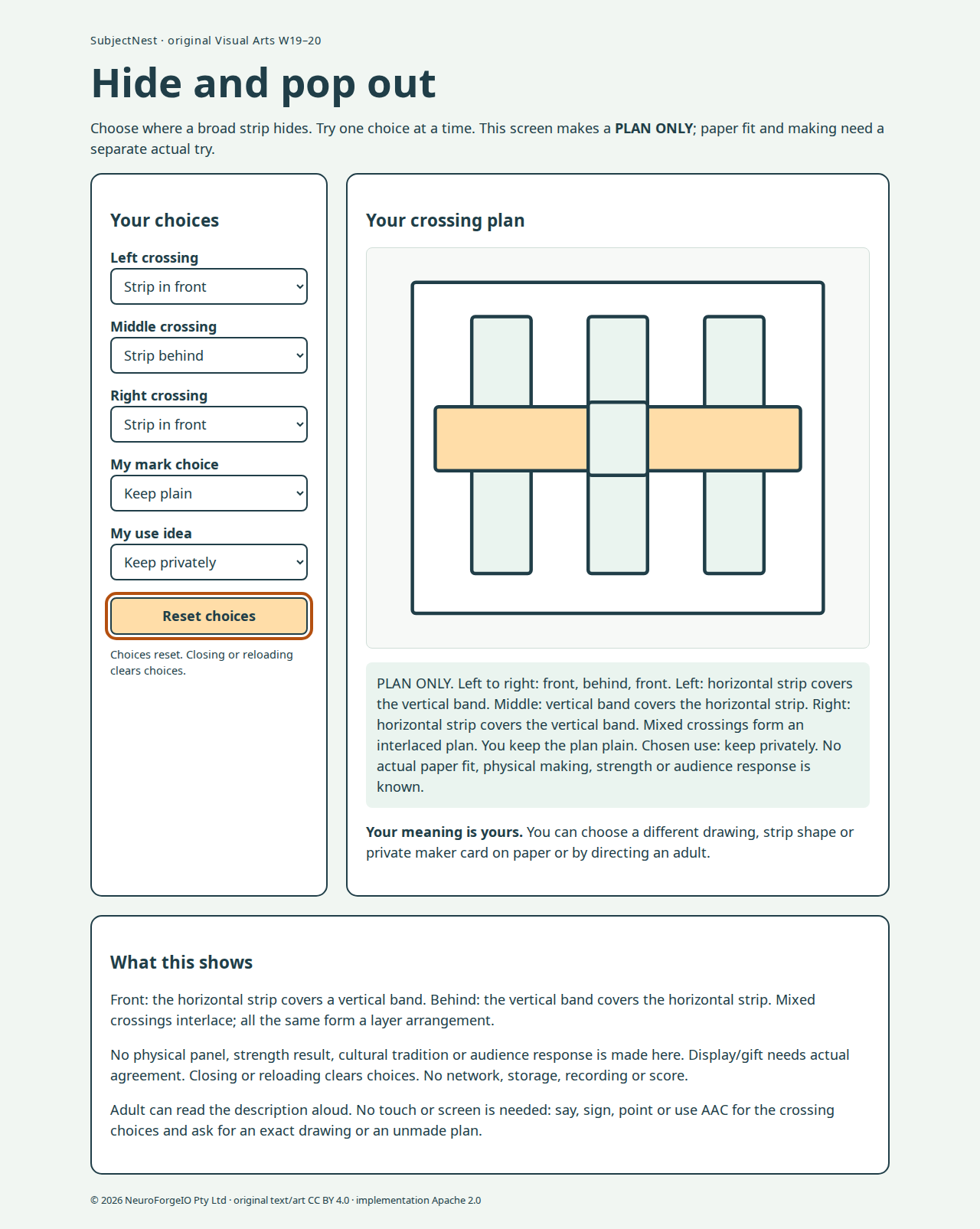
Open index.html locally. Five native selects change three front/behind crossings, plain/one original lower-right curve, and keep/display/gift intent. It is always PLAN ONLY; no physical panel/trial/strength/cultural practice/audience is simulated as actual. All-front/all-behind are accurately called layer arrangements; mixed order is an interlaced plan. Description and SVG alternative say exactly which paper covers which, so colour is not the only cue. Child decides meaning; use needs actual agreement before real display/delivery.
The screen is optional. Materials/access and exact A4 alternatives give complete adult-directed, drawing/flat-collage and no-material routes. Adult may operate controls on exact child direction. Present one control at a time and read short descriptions in chunks; the full state description is adult-readable, not a child reading test.
No outside script/font/image, network connection, storage, score, recording, download or persistence. Native keyboard controls, visible focus, live exact description, reset and reload work locally. Source diagram is original and distinct from held AA/AB sources; fresh checks/key are not loaded here. Implementation Apache2.0, original text/art CC BY4.0, outside rights separate.
Author QA
node qa_browser.cjs is read-only, using installed local Playwright runtime. It visits every 8 crossing orders ×2 marks ×3 uses at 1280, 390 and 320 (144 cases), checking actual SVG covers/curve, exact description/ARIA, all-same/mixed distinction, native option fit, SVG bounds, global overflow, keyboard focus/change/reset/reload, page errors and outside requests. --capture explicitly writes previews. Neither route evaluates child engagement or physical paper setup. BrowserAct skill/runtime was inspected earlier in this author session; no configured API/browser was available, so installed local Playwright supplied browser QA.
Desktop preview · mobile preview. Screenshots are author-controlled desktop/mobile renders, not a child trial. See desk run-through for actual inspection and remaining gates.