1 · Choose your thing
A creature, a made-up place or something completely different. One part is enough.
A funny creature? A pretend helpful machine? An idea that is all yours?
Make a picture. Try what comes next. Keep it, change a bit, or finish.
A creature, a made-up place or something completely different. One part is enough.
Draw, tell an agreeing helper what to make, or choose a screen shape. Words are optional.
Show one actual picture. Want another? Choose what comes next. Keep it private, change it or finish.
Use your usual communication, an exact description, help, a break or a later turn.
Open the local picture maker · Read the complete words · Print PDF with attached terms · Editable full text
Spare broad paper and a familiar suitable marker can be enough. Pick one wanted start; no report back, recording or purchase.
Read the complete words · Print PDF with attached terms · Editable full text
Read the setup once, choose a complete lesson, then switch among three real routes. The suggested minutes are flexible planning starts.
Read the complete words · Print PDF with attached terms · Editable full text
Make a tiny picture. What would you put in it?
Read the complete words · Print PDF with attached terms · Editable full text
What could happen next? Make another little picture.
Read the complete words · Print PDF with attached terms · Editable full text
Try your little show. Which picture comes up?
Read the complete words · Print PDF with attached terms · Editable full text
Where would you like the show to stop for a look?
Read the complete words · Print PDF with attached terms · Editable full text
Here is a new little picture job. Your idea is welcome.
Read the complete words · Print PDF with attached terms · Editable full text
Want a little clue, or just your pictures?
Read the complete words · Print PDF with attached terms · Editable full text
Keep this one. Try a different bit if you want.
Read the complete words · Print PDF with attached terms · Editable full text
Make a little show you would like to keep or try.
Read the complete words · Print PDF with attached terms · Editable full text
Want to see a maker's work? Want someone to see yours?
Read the complete words · Print PDF with attached terms · Editable full text
Try a new little job. Make it your way.
Read the complete words · Print PDF with attached terms · Editable full text
Selected first/later checks are educator choices in the separate teacher desk. Ordinary examples and blank boards are not answers to those checks.
Educator checks / teacher desk
For educators: the desk includes staff criteria and other stages. Keep it out of learner handouts; preserve the child’s first contribution before targeted teaching or criteria.
Read the complete words · Print PDF with attached terms · Editable full text · SVG
Read the complete words · Print PDF with attached terms · Editable full text · SVG
Read the complete words · Print PDF with attached terms · Editable full text · SVG
Read the complete words · Print PDF with attached terms · Editable full text · SVG
These are filled invented examples. You can make something completely different.
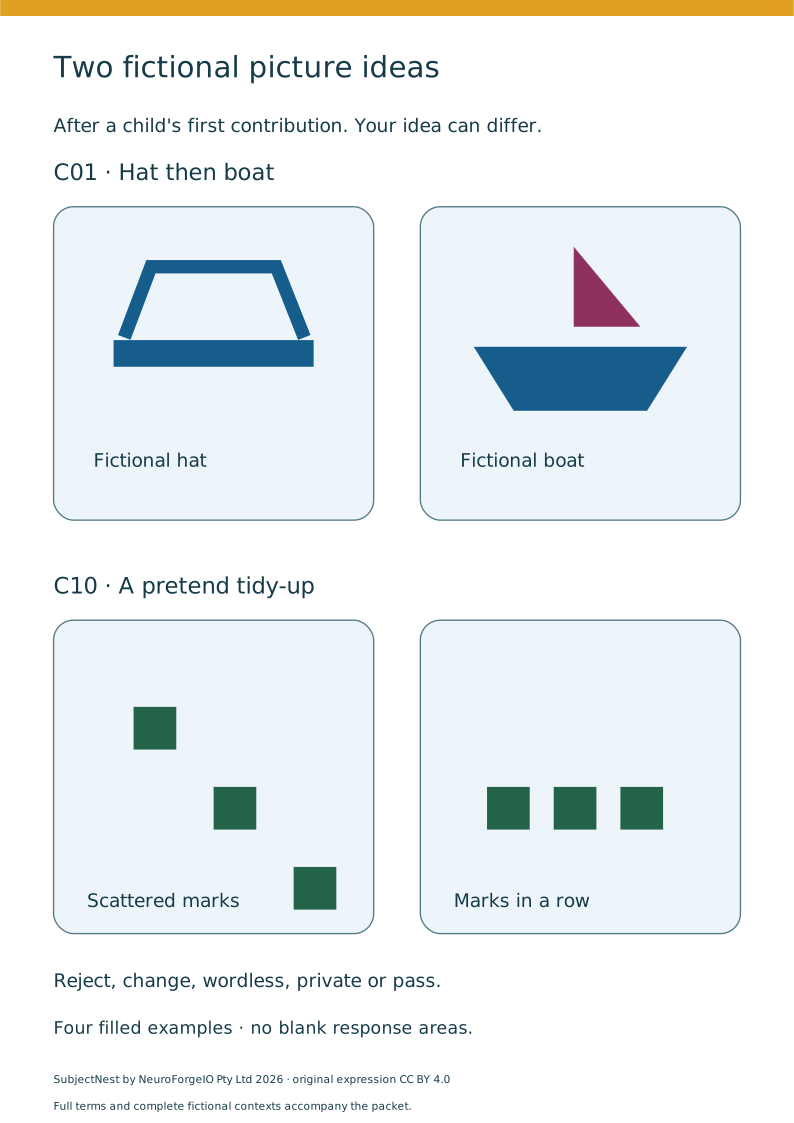
Read the complete words · Print PDF with attached terms · Editable full text
Read the complete words · Print PDF with attached terms · Editable full text
Ten optional bigger starts: Read the complete words · Print PDF with attached terms · Editable full text
Read the complete words · Print PDF with attached terms · Editable full text
Read the complete words · Print PDF with attached terms · Editable full text
Read the complete words · Print PDF with attached terms · Editable full text
Save the complete ordinary packet
Full source, educational, software, font and renderer terms travel with that packet and are inert text attachments in each PDF. PDF text/HTML alternatives are available; these PDFs are not claimed tagged accessible.