Open collage planner locally in a modern browser; no server, account or installation is needed. It is optional practice for Days 83/84/88, not a fresh Y/Z check. Fixed choices only; no upload, network, microphone, camera or saved data. Closing or reloading clears choices.
Exact drawn source
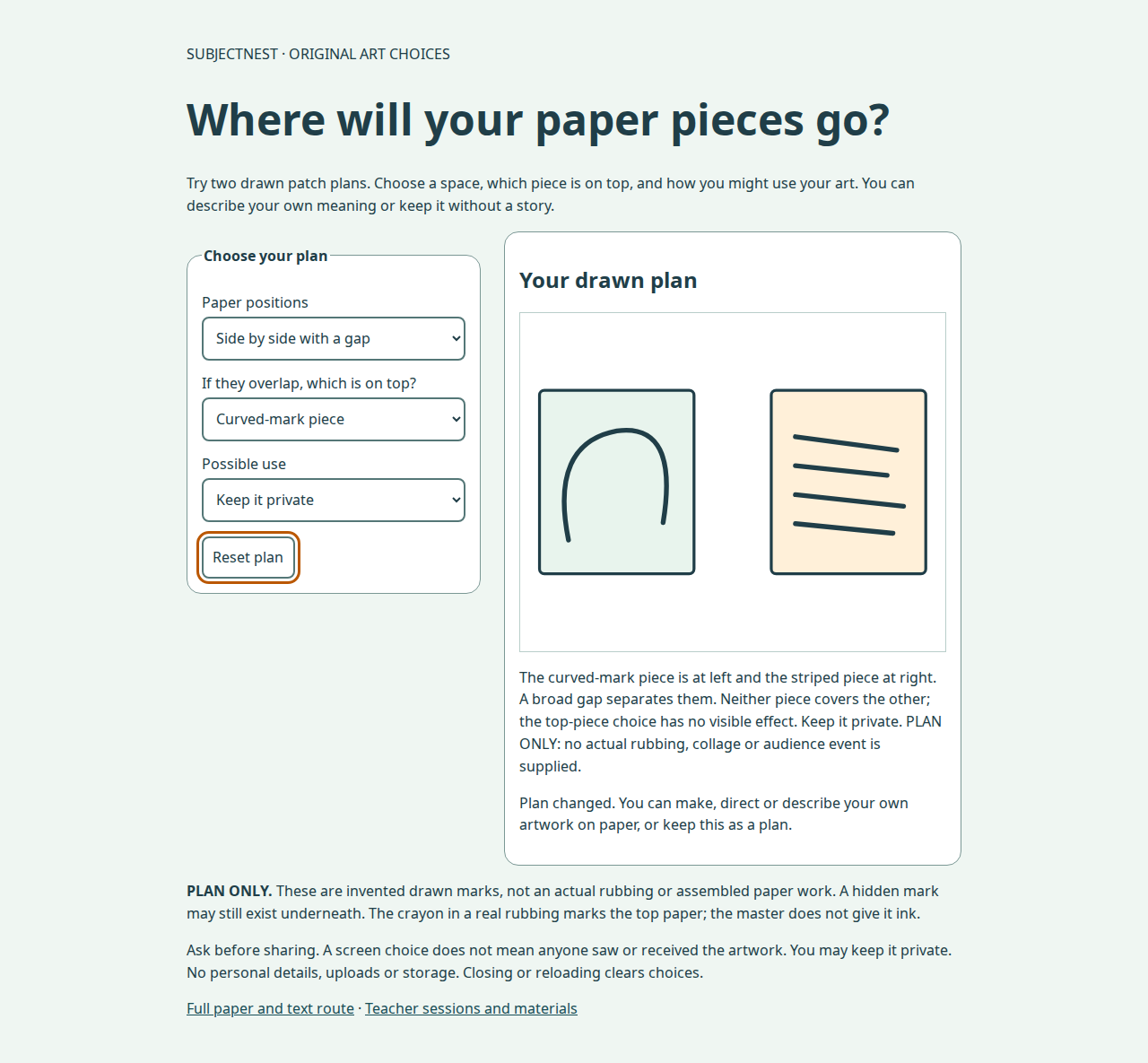
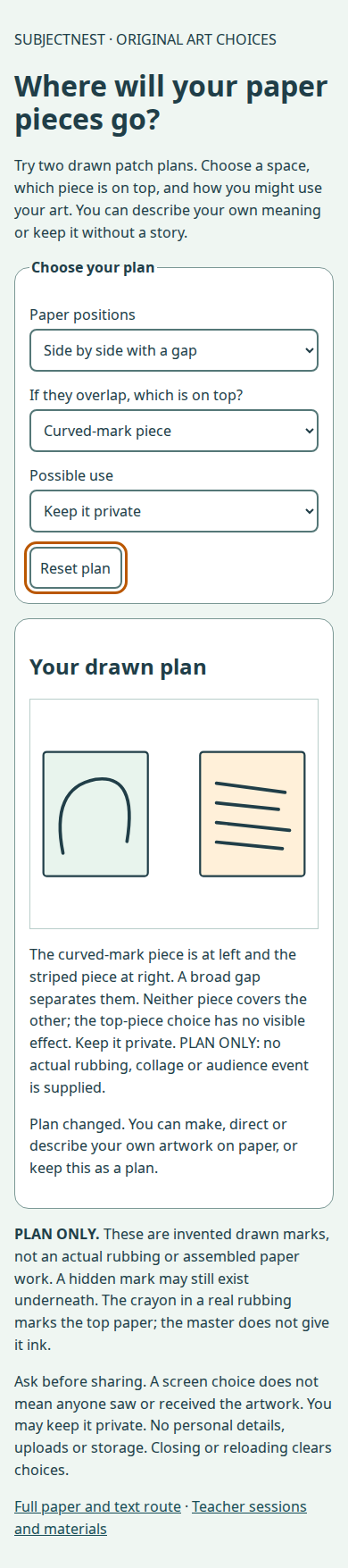
Two broad rectangular drawn-paper patches, each 160 by 190 drawing units, not actual paper or rubbing results. Curved piece: one continuous incomplete rounded curve, rising from lower left around a high curved top and ending lower right. Striped piece: four short separated diagonal stripes descending slightly toward the right. Their pale colours are decorative; the curve/stripe difference and text carry meaning.
- Side by side: curved piece left, striped piece right, broad gap between. Neither covers the other. Changing the top-piece selection has no visible effect, explicitly explained.
- Partial overlap: curved piece upper left, striped piece lower right. Chosen top piece is drawn last and covers part of the other. Covered marks are not erased or proof of absence.
- Use: private keep; quiet display proposed with child/viewer/place agreement; or postcard proposed with child/actual willing recipient agreement. No actual sharing/receipt is recorded by a screen choice.
Native labelled controls, visible keyboard focus, SVG title/description, exact live text and polite status provide reading/access routes. Select controls work with Tab/arrows; reset works with keyboard Space/Enter. No mandatory colour recognition, drag motion, sound or touch.
Full no-screen/no-print route
Adult reads the two source descriptions exactly, then asks one choice at a time: “Apart or partly overlapping? If overlapping, which piece on top? Keep private, display proposal or postcard proposal?” Child can point, sign/AAC, speak/dictate or direct the adult. Adult describes the resulting positions exactly as above. Do not draw an answer for them.
If appropriate provide broad drawn paper patches or fixed raised counterparts with one continuous curved line and four separated stripes; adult fixes them safely. The learner chooses positions and stacking without having to touch. Actual arranged paper is recorded ARRANGED, NOT ATTACHED or ATTACHED; a description remains PLAN ONLY. Drawn patches are not actual rubbings. To make real rubbing-paper art use the separate approved classroom-card process and observe actual marks. An original child-directed plan can use other marks/shapes and meanings beyond these fixed screen options.
Author browser QA
Desktop preview · Mobile preview. All 36 combinations (two arrangements × two top pieces × three uses at 1280, 390 and 320 pixels) checked: exact descriptions and stacking, visible geometry, bounds, permissions, selected option text fits, no horizontal overflow/page error/outside request, reset/reload and keyboard Tab/arrows/Space. Captures were inspected. The read-only QA script uses installed Playwright; --capture intentionally refreshes previews. Browser-act runtime had no configured browser/API key in this session, so no Browser-act session was used. This is author software QA, not a child or assistive-technology user trial.
Original educational vector artwork/text CC BY 4.0; implementation Apache 2.0. Materials, rights and full sessions apply.